
A frontline hiring stack has too many point solutions when candidates retype the same details, recruiters switch tools to move one applicant, and no one can produce a single time-to-hire. Those symptoms compound in hourly hiring. The BLS Job Openings and Labor Turnover Survey for September 2026 reported that quits in accommodation and food services rose by 197,000 that month. Each of those exits restarts a hiring cycle that can pass through a job feed, a texting tool, a scheduling link, a screening service and an onboarding packet before a first shift.
Hiring tech stack consolidation turns those separate tools into one orchestrated flow across the tools you keep, with one candidate record, one workflow and one set of reports, while your HR and payroll systems stay in place. The eight signs below show where to look first.
What a frontline hiring tech stack includes
A frontline hiring tech stack is every tool a candidate or recruiter touches between a job posting and a first shift. Stacks usually grow one purchase at a time: a texting tool when email stopped reaching candidates, a scheduling link when interviews piled up, a screening service when volume doubled. Sapient Insights Group’s 2024–2025 HR Systems Survey found organizations ran 26 HR modules on average in 2024, compared with 10 in 2020.
Whether one system covers them or nine do, a frontline stack spans these categories:
- Sourcing and job distribution
- Applicant tracking system (ATS), the software that stores applicants and moves them through hiring stages
- Screening and AI interviews
- Interview and orientation scheduling
- Candidate messaging by SMS and chat
- Background checks
- Onboarding paperwork and e-signature
- Funnel analytics and reporting
Each boundary between two categories is a handoff. List every tool in one shared sheet with its owner, annual cost, data connections and renewal date, so you can score the signs below against real numbers.
8 signs your hiring stack has too many point solutions
These signs show where a stack loses recruiter hours, candidates and budget. Each one covers what the problem costs and what a consolidated setup looks like.
1. Candidates re-enter the same information in every tool
Every tool that asks for a new account, a second login or a retyped address adds minutes to an application someone is completing on a phone between shifts. In The State of the Frontline Workforce, Aptitude Research reported that hourly workers abandon applications that take too long. Duplicate entry also splits one person into several records, so recruiters can text the same applicant twice and count them twice in reports.
A consolidated flow collects a candidate’s details once, in a mobile-first application, and passes that record to screening, scheduling, background checks and onboarding. To check your own stack, apply to your highest-volume role from a phone and count every field you type twice.
2. Recruiters toggle between texting, scheduling, screening and onboarding tools
Tool switching turns recruiter time into coordination time. In The State of the Recruiter Experience, Aptitude Research identified scheduling, manual data entry and searching across systems as recruiter work that doesn’t contribute to hiring outcomes. Scheduling alone often spans more than one tool, and for a frontline recruiter carrying dozens of open requisitions, that time comes out of candidate conversations.
In a consolidated setup, a recruiter opens one applicant and sees the application, screening result, interview time, message history and background-check status on one screen. Messages and scheduling links go out from that record when the stage changes. To measure the cost, sit with one recruiter through one hire and count every tool switch and copy-paste.
3. Applicants drop off at the handoffs between systems
Candidates often leave at the gaps between tools, where no one owns the next message. The frontline sequence runs apply, screen, schedule, offer, onboard, first shift, and the first gap opens right after the application. The 2024 Candidate Experience (CandE) Benchmark Research by ERE found that 29% of North American candidates hadn’t heard back from employers one to two months or more after applying, down 19% from 2023.
The second gap sits between offer acceptance and the first shift. When the offer lives in one tool and the paperwork in another, a new hire can wait days for the next message, and a competing offer can fill that silence.
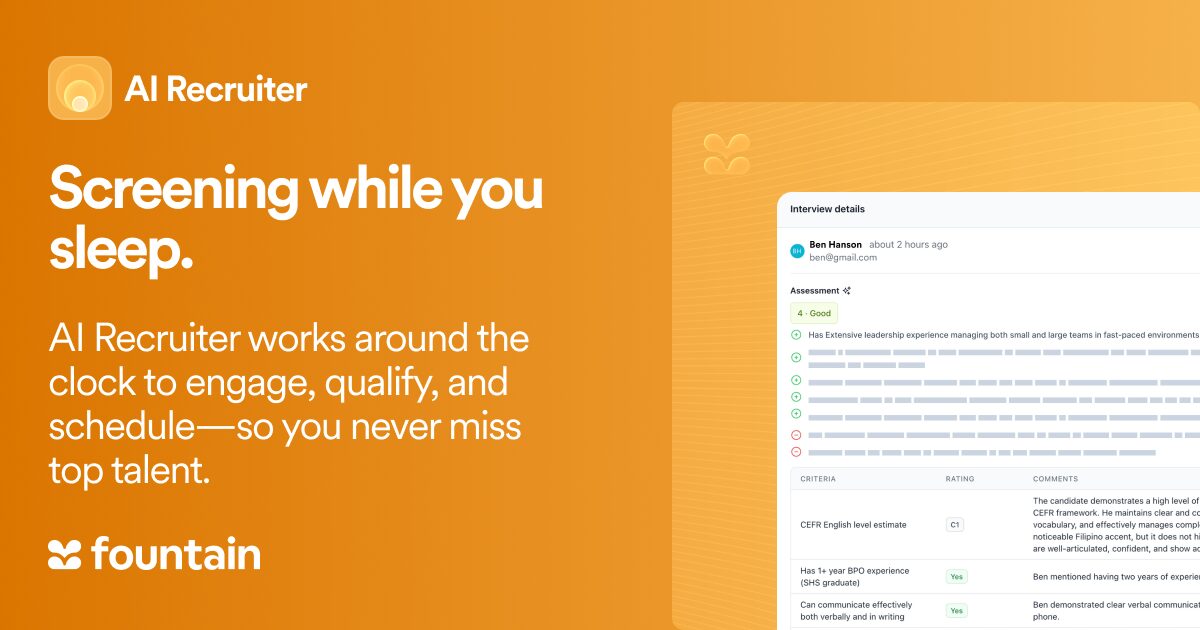
See How Fountain’s AI Recruiter Uses Agentic AI to Cut Screening Time by 79%
Fountain’s AI Recruiter leverages Agentic AI to transform how hiring gets done—screening candidates, scheduling interviews, and surfacing insights automatically. No prompts. No bottlenecks. Just faster, smarter, always-on hiring.
If your team is stretched thin or struggling to keep up with high-volume roles, now’s the time to see what Agentic AI can do.
When one orchestrated flow covers every stage, a stage change triggers the next message: an interview link after screening, a reminder before the interview, an onboarding request at offer acceptance. Pull timestamps for last month’s hires and find the longest gap between two stages: that’s usually the first place to consolidate.
4. Nobody can see time-to-hire or cost per hire in one view
When each tool stamps its own dates, the stack produces several versions of every metric and none that leaders trust. Time-to-hire counts the days from when a candidate enters your pipeline to offer acceptance, but separate tools often start that clock at different events: requisition approval, the job posting, the first click on an ad, or the submitted application. A sourcing report and an ATS report built on different start events will disagree about the same hire, and neither is wrong by its own rules.
A consolidated system holds every stage, so one funnel report calculates time-to-hire and cost per hire from one set of timestamps. Agree on one start event and one end event for each metric, and share them with every location manager.
5. Weekly reports get stitched together in spreadsheets
Recruiters often spend hours building a Monday report from four exports, and the data is stale by the time anyone reads it. Many HR teams still track hiring in spreadsheets, shared drives and manual logs, finishing a single task across several systems.
A single funnel report, cut by location, shows:
- Applicants by source
- Conversion and median time at each stage
- Offers accepted and first shifts worked
- Cost per hire, using the shared definition from sign 4
With every location’s data in one flow, the weekly meeting starts with the slowest site instead of reconciling exports.
6. Integrations break, and IT owns the workarounds
Every connection between hiring tools is a place where an applicant record can stall, duplicate or disappear, and the people who fix it often sit outside recruiting. Broken syncs show up as candidates stuck between screening and scheduling, offers that never reach onboarding and new hires missing from the HR system on day one. Point-to-point connections also multiply quickly: four tools that all exchange data need six connections, and five tools need ten.
Consolidation cuts the connection count. The connections that remain, to HR, payroll and background checks, should have documented webhooks, error alerts, retry rules and a named owner.
7. Licenses and renewals keep multiplying
Each point solution brings its own contract, renewal date and price increase, and the license fee is often the smallest part of its cost. Across software generally, the session description for the Gartner® Magic Quadrant™ for SaaS Management Platforms states that in April 2026, up to 30% of licenses are unused or underused. That figure covers SaaS broadly, not just hiring tools.
To compare your current stack with a consolidated option, add up four cost lines for each:
- Licenses: Subscriptions, add-on modules, and per-message or per-check fees.
- Integration upkeep: Internal hours to monitor and repair connections, plus outside fees.
- Admin hours: Recruiter and coordinator time on tool upkeep, exports and manual copying, multiplied by a loaded hourly rate.
- Drop-off: Hires lost at handoffs between tools, multiplied by cost per hire.
Spread one-time migration costs over the contract term, and keep every renewal date on one calendar so no auto-renewal lands before the comparison is done.
8. New locations and seasonal surges expose the gaps
A stack that holds at steady volume often breaks when a new site opens or holiday hiring starts, because every tool needs setup again for each location. The National Retail Federation’s 2026 holiday forecast expects retailers to hire 325,000 to 375,000 seasonal workers. Location teams rebuild postings, calendars and screening questions in each tool, and shifts stay open while they do.
With one pipeline across locations, teams set stages and screening questions by role, copy them to new sites and adjust only local details. Any setup step someone repeats by hand at every site is a strong first candidate to consolidate.
Hiring tech stack consolidation steps HR teams are taking
Teams that consolidate well treat it as a sequence, not a single purchase. They decide what to keep, test any replacement against their own workflow, roll it out in phases and measure the result against a baseline. The four steps below follow that order.
1. Decide what to keep, replace and consolidate first
Start where the stack loses the most recruiter hours and candidates. Score each sign by its admin hours and lost hires, and keep low-cost tools until their renewal dates. For frontline hiring, run the candidate-facing work from application to first shift as one orchestrated flow across the tools you keep, connected to the HR and payroll systems you already own. Keep specialist tools where they plug into that flow through a documented integration. These four factors set which way to lean:
| Factor | Leans toward one orchestrated flow | Leans toward specialist tools |
|---|---|---|
| Hiring volume | High, recurring volume with seasonal peaks | Occasional hiring at low volume |
| Location count | Many sites that need the same process | One site or a few |
| Recruiting team size | A lean team covering many requisitions | A team with time to run several tools |
| Integration load | Little IT support for hiring systems | Dedicated integration staff and few connections |
An operation that lands in the left column for three or four factors usually gets more from consolidating than from adding another specialist tool. Tools in the right column can stay, as long as each one hands data to the core system without manual copying.
2. Vet the system that will run the flow in a live account
Ask to see each answer in a live account before signing:
- HR and payroll integration: Which connections are native, which need a connector, and does data sync both ways?
- Integration details: Are webhooks documented, and what happens to a record when a sync fails?
- Data migration: Which formats can the system import and what rule decides whether an imported record updates, creates or rejects a candidate?
- Security: Which certifications does the vendor hold (e.g., SOC 2 Type II), and where is data stored?
- Human approval checkpoints: Which AI screening steps run automatically, which wait for a person, and who can override a result?
- Approval records: Can the system capture approval and override events, and can you export them?
A vendor that demonstrates each answer before the contract is easier to hold to it afterward.
3. Roll out in phases to keep recruiters on board
Start narrow, so recruiters see the new flow work before it replaces the old one:
- Export and match candidate data from the tools you plan to retire.
- Connect the new system to your HR and payroll systems.
- Pilot one high-volume role at one location, starting with screening and scheduling.
- Compare the pilot cohort with the old process for two to four weeks.
- Scale to more roles and locations once the pilot meets its baseline.
Pick pilot recruiters who carry real volume, collect their feedback weekly and change the workflow before you scale it.
4. Track the metrics that show consolidation is working
Capture a baseline before anything changes, with one definition per metric at every location:
- Time-to-hire: Days from the submitted application to offer acceptance.
- Cost per hire: Total recruiting spend in a period, including licenses and media, divided by hires in that period.
- Drop-off by stage: The share of candidates who don’t reach the next stage, by stage and location.
- Recruiter hours per hire: Recruiter time from a one-week time study, divided by hires completed that week.
Recheck all four at 30, 60 and 90 days against the pre-pilot numbers for the same location.
Run frontline hiring from one candidate record with Cue
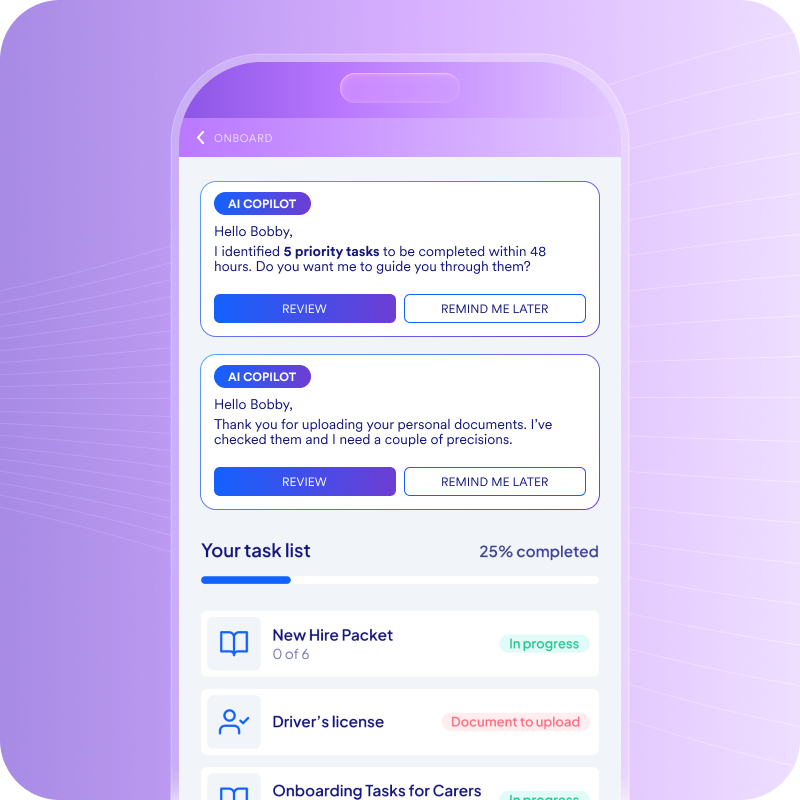
A consolidated stack still needs something to run the work across it. Cue, Fountain’s Frontline Superintelligence, connects sourcing, screening, scheduling and onboarding on one candidate record and takes plain-language goals such as “Hire 10 drivers before Monday.”
- Fewer drop-off points: Candidates apply in a mobile-first flow, including text-to-apply, and get automated texts after applying and before onboarding.
- Interviews at any hour: Anna, the AI Recruiter, runs structured phone or browser interviews 24/7 and returns scores, transcripts and summaries for human review.
- No rip-and-replace: Fountain connects to the HCM you already run, such as UKG, SAP, ADP or Workday, and hands records to it after hire.
Liveops cut manual work by 72% with Cue, which gave its small recruiting team more time with candidates.
Teams decide which steps run automatically and which wait for a person’s approval, and hiring managers keep the final say on hires.
Start hiring tech stack consolidation where candidates stall
Most of the waste in a hiring stack sits in the handoffs between tools, where candidates wait, recruiters copy data and reports disagree. Rank the signs by lost hours and hires, pilot one role at one location, and retire old tools on their renewal dates.
Fountain’s Frontline Superintelligence runs that flow on one candidate record, with AI interviews, automated candidate texts and a direct handoff to your HR system.
Book a demo to map your current stack against one orchestrated hiring flow.
Frequently asked questions about hiring tech stack consolidation
How long does consolidating a hiring stack take?
Pilot scope sets the pace. Start with one high-volume role at one location, compare it with the old process for two to four weeks, and treat the first 90 days as a learning loop. Full rollout then depends on location count and the integrations involved.
Does consolidating mean replacing our HRIS or payroll?
No. Consolidation covers the hiring tools between job posting and first shift. A hiring system connects to the HCM and payroll you already run and hands each new hire’s record over after hire, so payroll stays where it is.
Can we consolidate one stage at a time?
Yes. Start with screening or scheduling for one high-volume role and measure it against your baseline. Then add the next stage, such as messaging or onboarding paperwork, and retire each old tool only after its stage runs in the new system, timed to its renewal date.
What about spreadsheets and texting apps outside the official stack?
Count them as tools. Shared spreadsheets and personal texting apps often hold candidate data that no report sees. Add each one to the inventory with an owner, move its job into the consolidated flow during the pilot, and stop using it once the new stage runs.