When an auditor or reviewer asks a question, the answer must come from existing records, not from memory or vendor exports rebuilt after the fact. Frontline teams get ready for an AI bias audit by running a hiring workflow that records itself as it goes: an inventory of every automated step, an audit trail of what each tool produced, and a human approval checkpoint with a reason captured for each override.
For an employer hiring across dozens of locations and brands, the audit report is one document among many. The rest is operational: a tool inventory, decision logs, approval and override records, and the vendor’s model documentation.
What an AI bias audit measures, and what it leaves out
A bias audit evaluates selection or scoring outcomes across demographic groups, such as sex and race/ethnicity, using a defined methodology and available test or production data. The result shows where outcomes differ between groups.
The audit measures outcomes. It doesn’t explain why a gap exists, which configuration produced it, or what a recruiter did with the tool’s output. Those answers come from the hiring workflow’s own records, which is why the workflow matters as much as the audit itself.
Some jurisdictions regulate bias audits of hiring tools. A regulator’s FAQ on automated employment decision tools is one example; employment counsel can confirm what applies to your locations.
Mapping every tool that touches an applicant
An auditable workflow starts with an inventory of every automated step between application and offer. Each entry answers two questions: what does this tool do to an applicant, and what does it produce?
- Resume and application screening, scoring, and ranking: The inputs the tool reads, the score or rank it returns, and how that output shapes who advances.
- AI-conducted or AI-scored interviews: Whether the tool only transcribes or produces a score or recommendation, and who sees it.
- Candidate routing: The logic that sends applicants to a role, location, or next step, and whether a model or a fixed rule drives it.
- Knock-out questions and minimum-qualification filters: Each question, the answer that screens an applicant out, and whether the filter is rule-based or model-based.
An inventory at this level gives an auditor a map of what to test and gives reviewers the context behind each outcome.
The difference shows up in a single entry. An inventory line that reads “screening” tells a reviewer nothing. A line that reads “Knock-out: valid driver’s license required; auto-rejects on ‘no’; rule-based, no model; configured per brand; owner: regional TA lead” gives the reviewer a filter, a rule, and a person to ask.
Why high applicant volume raises the stakes
Frontline hiring runs at a scale where small patterns in screening outcomes become visible, so the records behind each outcome get more attention.
- Large applicant pools make small gaps measurable: With thousands of applicants per role, a modest difference in pass-through rates between groups can show up clearly in the data, even if no one intended it.
- More locations mean more configurations to track: A retailer running one screening tool across three brands may configure it three ways, and each configuration produces its own outcomes.
- Gaps in records are hard to close later: Without applicant-level inputs and outcomes, a team can’t recalculate results, test a fix, or show what the tool actually did.
If you capture inputs, outputs, and human actions for each screening configuration from the day it goes live, you can often avoid all three problems.
The records an auditable hiring workflow produces
Each row is a step your team runs, where it’s configured, the record it leaves behind, and who owns it. Multi-brand or multi-client employers often keep a separate set of rows per configuration.
| Workflow step | Where it’s configured | Record it produces | Owner |
|---|---|---|---|
| Tool inventory | TA operations | Every automated filter, scorer, router, and AI interview, with inputs and outputs | TA operations lead |
| Screening and scoring | Hiring platform | Inputs, outputs, and scores per applicant, with timestamps | Hiring platform admin |
| Human review and approval | Approval steps in the workflow | Who reviewed, what they approved or changed, and the reason given | Recruiters and hiring managers |
| Configuration changes | Hiring platform and vendor | Model updates and configuration changes, with dates | TA operations lead |
| Vendor model documentation | Vendor | Intended uses, training data categories, known limitations, human-review instructions | Vendor contact |
| Data export | Hiring platform | Structured export of the records above for a given period | Hiring platform admin |
A table like this works best as a living document. When an owner sees a blank row, that’s the signal to find the record or set up the step that creates it. Several rows depend on data that sits with the vendor, which brings the vendor conversation into the workflow.
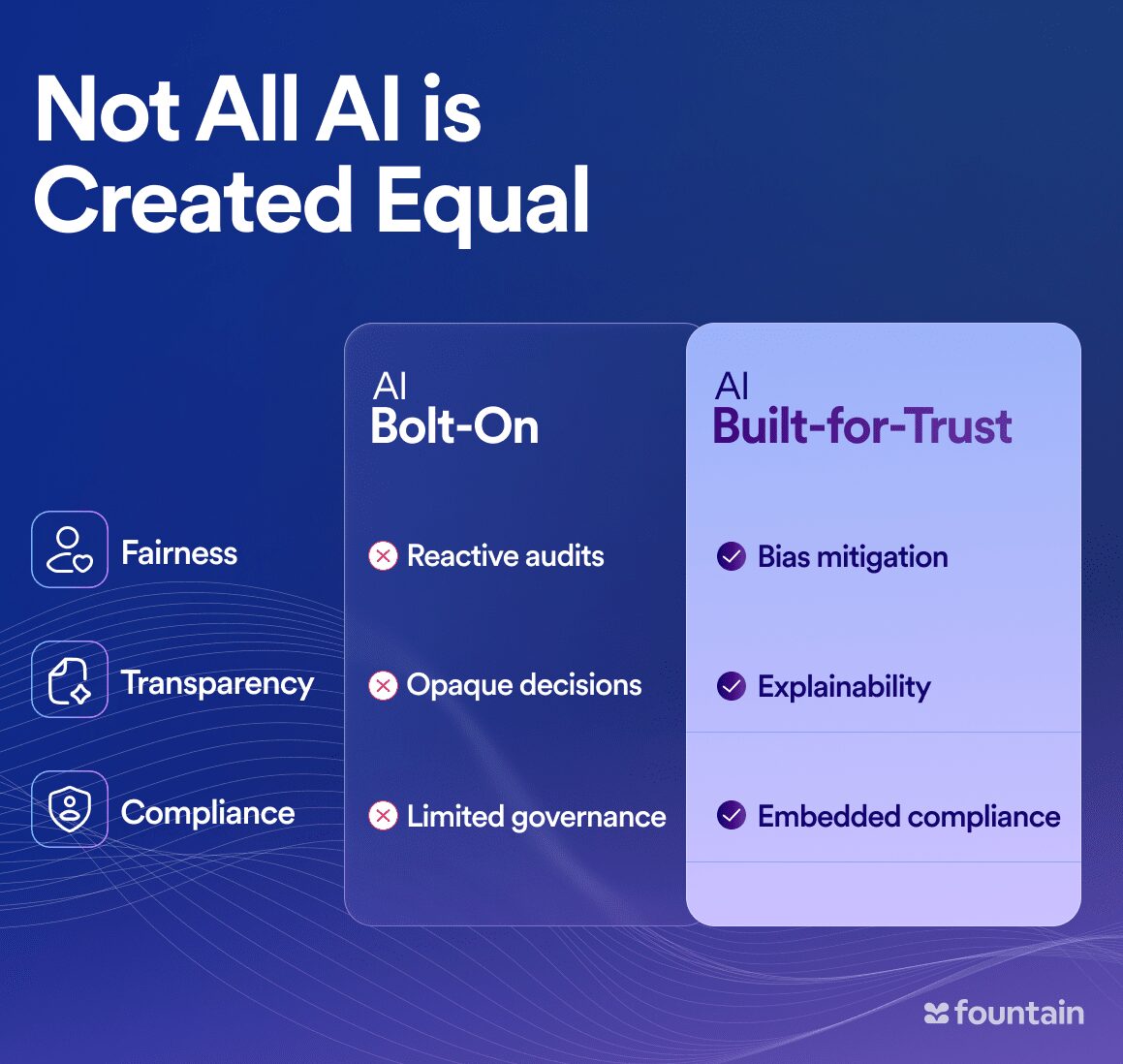
Faster decisions. Fairer outcomes. AI hiring built for compliance, speed, and scale.
Leading employers use trust-first AI to:
✅ Reduce bias and improve hiring equity
✅ Automate compliance with built-in safeguards
✅ Increase candidate engagement and completion rates
Curious how ethical AI can improve your frontline hiring?
Questions to ask when evaluating an AI hiring tool
Much of what an auditor asks for sits in the vendor’s system. Six questions show how well a tool fits an auditable workflow:
- Audit results: Can the vendor share its most recent bias audit, the method used, and which configuration and data it covered?
- Fairness testing: Which metrics does the vendor track, how often does it test, and what happens when it finds a gap?
- Decision log export: Can your team export candidate-level inputs, scores, and logs in a structured format, and how far back?
- Approval and override controls: Can you configure approval points, and which override events does the tool capture?
- Model change notice: Will the vendor tell you before a model update changes scoring, and what will that notice include?
- Auditor support: What data and documentation can the vendor provide when an auditor asks, and how quickly?
The answers show which records the tool produces on its own and which ones your team will need to build around it.
Where Fountain fits in an auditable workflow
Two rows in the table come straight from the hiring tool: screening and scoring records, and human review and approval records. Cue, Fountain’s Frontline Superintelligence, runs the agents in the hiring workflow. Anna, the AI Recruiter, runs voice interviews and scores candidates, and a recruiter or hiring manager makes the hiring decision. Your team configures the approval steps.
Fountain can capture agent actions and configured approval or override events in the hiring workflow. Exact log coverage and export scope depend on the deployment, so confirm both during setup. Fountain’s responsible AI guide explains in more detail how it governs its agents.
Building the file before anyone asks for it
An AI bias audit tests outcomes, but a human-reviewed workflow is what lets your team explain them. Frontline employers that capture tools, decisions, and approvals from day one can answer an auditor’s or reviewer’s questions from records that already exist.
Fountain’s Frontline OS brings agent actions, human approval checkpoints, and override events into one workflow across hiring and the rest of the worker lifecycle.
Ready to see how it works across your locations? Book a demo.
Frequently asked questions
How often should we update the tool inventory?
Update it whenever something changes what applicants experience: a new screening question, a vendor model update, a new location or brand going live, or a change to approval steps. Date each entry so an auditor can match the inventory to the audit period.
Who should own the AI bias audit file?
Give the file one named owner, usually in TA operations or HR, even though rows come from several teams. That person tracks which records exist, gathers the vendor’s and auditor’s pieces, and keeps legal informed when a configuration changes.
Can we run our own fairness checks between audits?
Yes. With applicant-level decision logs, your team can compare pass-through rates by group each month or quarter and spot drift early. Internal checks help you catch problems sooner, but they don’t replace an independent audit.
What happens to our AI hiring records if we switch vendors?
Plan the export before the switch. Pull candidate-level inputs, scores, decision logs, and approval records in a structured format, check that the files open and match your inventory, and ask the old vendor when it will delete its copies.