

Federal child labor enforcement is rising. The Department of Labor’s Wage and Hour Division assessed $37,215,327 in child labor civil money penalties in fiscal year (FY) 2025, up 145% from FY2024, across 976 cases involving 5,272 minors.
For a multi-location employer, that raises an operational question more than a legal one: how does a store manager know, at 8 p.m. on a Friday, whether a 15-year-old can take the next shift or the next station?
The answer depends on the worker’s age, the task, the location, and the schedule, and the rules behind each can differ by state and change over time. This guide does not summarize what any federal or state rule requires.
Your employment counsel defines the rules for each location. What follows is how to carry those rules into hiring, scheduling, and records so managers do not have to become compliance experts. It is general information, not legal advice.
What are age-based work rules?
Child labor laws are the federal and state rules that set a minimum working age and limit the hours, times of day, and tasks permitted for workers under 18. The federal floor is the Fair Labor Standards Act (FLSA) youth employment provisions in 29 CFR Part 570, and state and local rules layer on top of it, as DOL’s state comparison table shows. In practice, the rule governing a shift is rarely one number.
It is a combination of four inputs the hiring process has to carry:
- Age: The worker’s date of birth determines which set of limits applies, and that set changes at birthdays.
- Task: The duties and equipment involved, not the job title, determine whether an assignment is open to a minor.
- Location: The state, and sometimes the locality, determines which additional requirements apply.
- Schedule: Hours, times of day, and school status determine whether a given shift can post.
A workflow that carries all four inputs on the candidate record can flag a problem before the shift is posted. A process that relies on memory finds the problem afterward.
Where do age-based work rules break down across locations?
Most gaps do not come from misunderstanding a rule. They come from the rule sitting in a different place than the decision it should shape.
- The rules live in a spreadsheet while the candidate lives in the ATS. One HR generalist can keep a document current, but the document cannot stop a store manager from scheduling around it.
- Roles are defined by title instead of by task. A single “crew member” role can cover work that counsel has approved for minors and equipment assignments that it has not, so a title-level approval hides task-level risk.
- Age-based rules change without any prompt. A birthday, a transfer to another state, or a move to a new station changes which rules apply, and nothing in the record triggers a recheck.
- One company-wide policy meets many local answers. A policy written around the strictest location frustrates managers elsewhere, and one written around the loosest leaves gaps where local rules are tighter.
DOL’s 2025 case against an Idaho grocer with about 80 workers shows what that gap looks like in practice: investigators found six minors, including one 13-year-old, assigned to equipment cleaning and loading tasks and working outside legal hours.
The case turned on assignments and schedules, which are exactly the decisions a workflow can check before they happen.
How to operationalize age-based work rules across locations
Attach each counsel-approved rule to the candidate record at the moment it becomes relevant, so the workflow flags or routes a restricted step before a minor starts work.
Six steps carry that from policy to schedule:
A smarter, connected way to hire, engage, and retain frontline teams
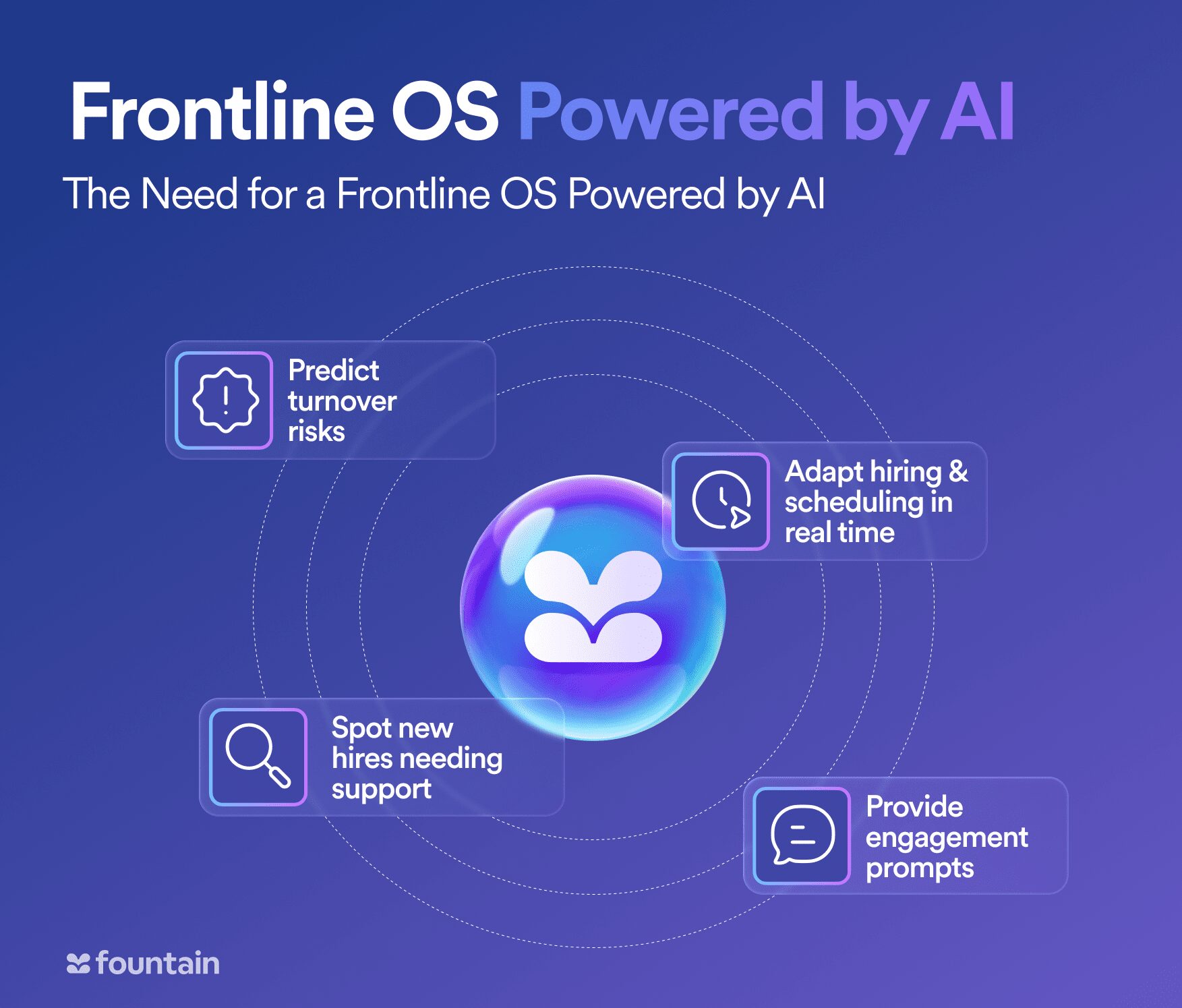
Centralize scheduling, hiring, onboarding, engagement, and analytics in one AI-powered platform built for the frontline workforce. Fountain OS gives leaders the real-time insights and tools they need to predict turnover, boost retention, and streamline high-volume operations.
Automate repetitive tasks, identify at-risk employees early, and make data-driven workforce decisions with a unified solution designed to help frontline teams thrive.
- Have counsel define the rule set for each location and store it as data. Record the approved rules by age band, task category, and worksite, with an owner and a review date, instead of leaving them in a policy PDF or a manager’s memory.
- Capture date of birth and worksite at application. Make both required fields at the start of pre-employment screening, because they decide which rule set attaches to each candidate.
- Tag every role by the tasks and equipment it touches. Mark each role with the age bands counsel has approved for it before the posting goes live, so eligibility is decided at the requisition instead of at the station.
- Gate the first shift on the documents counsel requires. That can include proof of age, a work permit where the state uses one (DOL lists which states issue age certificates), and Form I-9 steps, where USCIS’s employer handbook has a section on minors for counsel to review. Hold Day 1 until the record is complete.
- Build scheduling guardrails from the approved rules. Load counsel’s limits on hours, times of day, and school status into the scheduling step, and route any exception to a manager for a decision instead of letting the shift post.
- Recheck at a birthday, role change, transfer, or rule change. Re-evaluate the candidate record against the rule set at each trigger, and review the rule set itself with counsel on a set cadence.
The system’s job is to flag and route restricted steps. A manager approves the schedule and decides each exception, and counsel owns the rules themselves. That split keeps managers out of the role of compliance interpreter without taking the final call away from them.
How to document age-based work rules and stay audit-ready
Audit-readiness means being able to show, for any minor on any shift, which rule applied, who approved any exception, and when. Federal wage and hour recordkeeping rules already treat date of birth for workers under 19 as a core record (29 CFR 516.2), so confirm with counsel which records and retention periods apply to you, then design the workflow to keep the following.
In summary, here’s how to document age-based work rules:
- Keep proof of age and any permit on the candidate record. Store the document or its verification status, along with the date it was collected and by whom.
- Log the role tags and the rule-set version in effect at hire. When counsel updates a rule later, you can show which version governed each decision.
- Retain schedule history alongside approvals. Keep posted and worked hours together with each exception, the manager who approved it, and the reason.
- Review the records on a schedule, not only after an incident. A periodic sample of minors’ records against the approved rule set, run inside your HR compliance audit, catches drift before an investigator does.
Add the same fields to the records your HR compliance checklist already covers, so minors do not become a separate process that only one person understands.
How Fountain helps frontline teams apply age-based work rules consistently
Fountain gives multi-location teams a workflow layer for the age-, task-, and location-specific steps their counsel defines, not a view on what the rules require. Cue is the intelligence that coordinates Fountain’s agents and products from a plain-language request, such as “Show me every open crew member requisition that has no age-eligibility tag, and flag them for my review.”
Emma answers candidate and new-hire questions and helps clear onboarding paperwork blockers like I-9 and W-4 forms.
Underneath, Fountain’s ATS and workflow configuration tools let teams set custom rules by region, role, or worker type, so each candidate follows the steps counsel approved for their location. Onboarding collects forms, IDs, and signatures digitally from a worker’s phone and keeps audit logs and completion reports.
Bojangles runs hiring across about 750 restaurants on Fountain and cut time-to-hire from 30 days to 5.8 days, which shows one flow can serve hundreds of locations at speed. Adding age and location checks to that same flow keeps compliance from becoming a separate manual bottleneck.
With federal child labor penalties up 145% in a year, leaving the rule in a manager’s memory gets more expensive every season. If your operation hires minors across more than one location, see how Cue, the ATS, and Onboarding carry your counsel’s rules from requisition to schedule.
Book a demo to walk through it on your own roles.
Frequently asked questions about child labor laws
How do you keep age-based work rules consistent across locations?
Treat the approved rules as data attached to the role and the candidate instead of text a manager has to re-read. A system that stores each location’s counsel-approved rule set, tags roles by age band, and flags or holds restricted steps removes the manual step where drift starts, and a periodic audit confirms it holds.
Who should own age-based work rules: HR, operations, or counsel?
Counsel defines what the rules are for each location, HR or operations configures them in the hiring and scheduling workflow and reviews them on a set cadence, and managers approve schedules and decide exceptions. Splitting ownership this way keeps managers from acting as compliance interpreters.
What should a hiring system record for workers under 18?
At a minimum, the date of birth, any age proof or permit counsel requires, the role’s age-band tag, the rule-set version in effect, schedule history, and every exception with its approver. Confirm the required records and retention periods with counsel.