Frontline operations span dozens or hundreds of locations, but scheduling, shift coverage, onboarding, and compliance decisions are still made locally, manually, and inconsistently. Per Fountain’s Agentic AI for Frontline Workforces research, turnover varies 3x across locations within the same company, because each location runs its own version of the process.
That variance costs real money. According to the 2025 Fountain Frontline Report, a 10,000-person frontline workforce loses roughly $40 million a year to rehiring and lost productivity. AI workforce management creates a single operating layer that works at 5 locations or 500: every site gets the same standards while the system adapts to local conditions.
This guide covers what the category is, how it keeps every location consistent, and how to tell whether your operation is ready for it.
What is AI workforce management?
AI workforce management is the use of agentic AI to automate and coordinate how frontline workers are sourced, hired, onboarded, scheduled, and retained across an organization. Traditional workforce management tools record what already happened: schedules, timesheets, compliance forms, and reports built on past trends.
AI systems forecast what will happen and recommend action before a gap opens, with managers approving the change, a shift Fountain documents in Redefining Frontline Operations.
This is the line between AI workforce management and “AI features in WFM.” A forecasting widget or a chatbot added to a traditional system still hands every decision back to a person to carry out. AI workforce management closes that loop: it drafts the schedule, the backfill, or the I-9 follow-up, routes it for approval, and completes the work inside the permissions you set. The category is defined by what the system does, not just what it surfaces.
Five core jobs define the category:
- It forecasts staffing needs before gaps open. Demand signals feed the forecast, so each location staffs ahead of need instead of scrambling behind it.
- It builds schedules and fills gaps when workers call out. The system generates the schedule from availability and demand, then routes every change to a manager for approval.
- It screens and hires against one set of standards. An applicant tracking system (ATS) layer applies the same criteria to every applicant at every location, which compresses hiring timelines without eroding quality.
- It enforces compliance inside the workflow. Form I-9, E-Verify, and jurisdiction-specific labor safeguards run as required steps in the process rather than as a checklist someone remembers later.
- It flags disengagement before workers quit. Pulse surveys and early warning signals catch flight risk while a manager can still change the outcome.
These jobs compound when they run on one system: faster hiring feeds shift coverage, and compliance and engagement signals catch risk early.
How AI keeps workforce management consistent across every location
Consistency is the multi-location operator’s biggest lever, and scheduling is where inconsistency shows up first. Harvard Business School research establishes a causal link between schedule inconsistency and employee lateness and absenteeism at the shift level. Two stores in the same chain, differentiated only by how consistently their managers build schedules, produce measurably different attendance outcomes.
A single AI layer separates rules from execution. AI embedded in the hiring and scheduling workflow surfaces errors and gaps as work happens, unlike bolt-on analytics tools that report problems after the fact.
Centralized rules for screening and compliance stay uniform, and scheduling constraints follow the same governance. Location-level overrides (local minimum wage, state-specific labor laws, site-specific shift patterns) apply automatically. The result is consistent methodology with locally adapted output.
Cross-location visibility changes how leaders manage: when fill rates, shift gaps, and compliance completion are visible by site in real time, underperforming locations surface in time to intervene.
AI for scheduling: from manual spreadsheets to agentic shift management
Scheduling still runs on manager hours: schedules built by hand in spreadsheets, and open shifts filled with one-off calls and texts when someone cancels. That manual load pulls managers off the floor, and it is exactly the work an AI layer can absorb.
Beyond pay, scheduling flexibility is one of the strongest predictors of whether frontline workers stay or leave: per the 2025 Fountain Frontline Report, only 6% of workers who struggle with scheduling would recommend their employer.
AI scheduling flips the model, and a manager still makes the call. Instead of managers building schedules from scratch on a spreadsheet and then calling around when someone cancels, the system generates schedules from demand signals and worker availability and routes them for manager review. When a worker calls out, it identifies qualified, available replacements and routes backfill options to the manager for approval.
Self-service does the same for day-to-day coordination. Per the same report, workers who use scheduling apps find it twice as easy to swap shifts, which is exactly the coordination work that otherwise lands on managers’ phones.
AI mitigates coverage gaps rather than guaranteeing attendance: the system identifies and routes the best available options, and humans make the final call.
AI for multi-location compliance: the hidden risk
Compliance risk grows with every location: each site adds its own deadlines, documents, and jurisdiction-specific rules. U.S. Immigration and Customs Enforcement (ICE) has stepped up I-9 enforcement against employers, and the financial exposure is significant. At the top of the federal penalty range, fines for knowingly employing unauthorized workers reach $28,619 per worker for repeat violations, per Fountain’s Employer’s Guide to I-9 Audits.
The 3-business-day rule for Section 2 of the I-9 turns that risk into a deadline clock that restarts with every hire. The rules also just got stricter. ICE updated its Form I-9 inspection guidance in March 2026 to reclassify a wide set of previously correctable paperwork errors as substantive violations subject to immediate fines.
Those paperwork violations now run $288 to $2,861 each, with every deficiency on every form counted separately, so errors that used to be fixable in a 10-day window now accumulate into audit exposure that grows with headcount.
The employers in the strongest position when a notice of inspection arrives are the ones who run their own compliance audit before ICE does.
AI enforces compliance in the workflow by auto-triggering verification, collecting documents on mobile before Day 1, and sending real-time alerts when forms are incomplete. That prevents errors now treated as immediately substantive from being created in the first place.
Fountain Onboarding runs I-9 completion inside the onboarding flow itself, collecting and validating documents before Day 1 so completion happens up front instead of in a scramble after the start date.
AI for hiring and onboarding across locations
Hiring and onboarding are where location-to-location variance starts, and disorganized onboarding is where it gets expensive. Per the 2025 Fountain Frontline Report, workers who experience disorganized onboarding are 9x more likely to plan their exit, and 43% of new hires leave within 90 days.
At roughly $7,000 per replacement, those departures compound across a multi-location network.
AI applies the same screening standards, interview process, and onboarding steps at every site, the consistency a high-volume hiring operation depends on, while hiring teams keep final decision authority. Mobile-first onboarding completes documents, background checks, and compliance steps before Day 1, regardless of where the new hire starts.
Stitch Fix, a personal styling service that runs fulfillment centers across the U.S., saw the share of applicants who passed background checks and showed up on Day 1 climb from 68% to 95% after moving to mobile-first, automated hiring workflows.
Measuring AI workforce management: metrics that matter across locations
Aggregate dashboards can hide failing sites. An aggregate time-to-fill can look acceptable until you discover that a handful of locations are taking weeks longer than the rest and disappearing into the average. Location-level dashboards, much like an AI-powered people analytics platform built for workforce data, surface the variance that aggregates bury.
Six metrics deserve site-by-site tracking:
- Time-to-fill by location: Track each site against the company median to spot the locations running weeks behind.
- Shift fill rate per site: Flag locations consistently below target before understaffing turns into overtime spend.
- Overtime spend as a share of labor cost: Chronic outliers usually trace back to hiring or scheduling gaps, not demand.
- Day 1 no-show rate by location: A spike at one site is the fastest signal that onboarding is breaking down there rather than everywhere.
- 90-day retention by location: It gives you the earliest reliable read on onboarding and local management quality, and it is the first number that moves when either one improves.
- Compliance error rate per site: Set automated alerts for escalating patterns instead of waiting for an audit to find them.
The benchmarks are real: organizations using AI-driven screening and scheduling have cut time-to-hire by about 40%, per the 2025 Fountain Frontline Report, and GoFor, a last-mile delivery company, cut onboarding time by 83% (30 days to 5) and cost-to-hire by 70%.
Location-level dashboards tell you which of your sites are capturing gains like these and which are dragging the average.
Is your operation ready for AI workforce management?
AI workforce management is only as good as the operating environment underneath it. Five foundations decide whether the system delivers:
- Your operational data is clean and lives in one place. AI trained on incomplete or siloed records produces unreliable outputs, so consolidate employee records, shift history, and applicant data before automating anything on top of them.
- Permissions are explicit at every level. Define who can approve hires, override schedules, and modify workflows, so the system always knows whose call a decision is.
- Approval thresholds are set before the system acts. Draw the boundaries inside which AI runs repetitive cross-location work on its own, and keep human override at every decision point above them.
- Your existing systems are ready to connect. Native links to your human capital management (HCM) system (UKG, SAP, ADP, or Workday) prevent the data inconsistencies that multiply when platforms disagree.
- You’re willing to redesign workflows around the system. This is the hardest foundation and the one that matters most. The value comes from rebuilding workflows around execution rather than bolting AI onto the clicks your team already performs.
Get those right and AI runs the repetitive scheduling, screening, messaging, and compliance work that currently keeps managers off the floor and away from the people they’re supposed to lead. Your first move: audit one high-turnover location’s hiring and scheduling workflow end to end and map every manual step.
That gap analysis becomes your implementation roadmap.
How Fountain runs AI workforce management across every location
Fountain delivers Frontline Superintelligence: intelligence that runs frontline operations, not software that reports on them. Cue is the orchestration layer that makes it concrete. A natural-language prompt like “Staff next week’s schedule across all 40 locations and flag any site below 90% fill” triggers Cue to pull availability data, match qualified workers to open shifts, and surface coverage gaps for manager review.
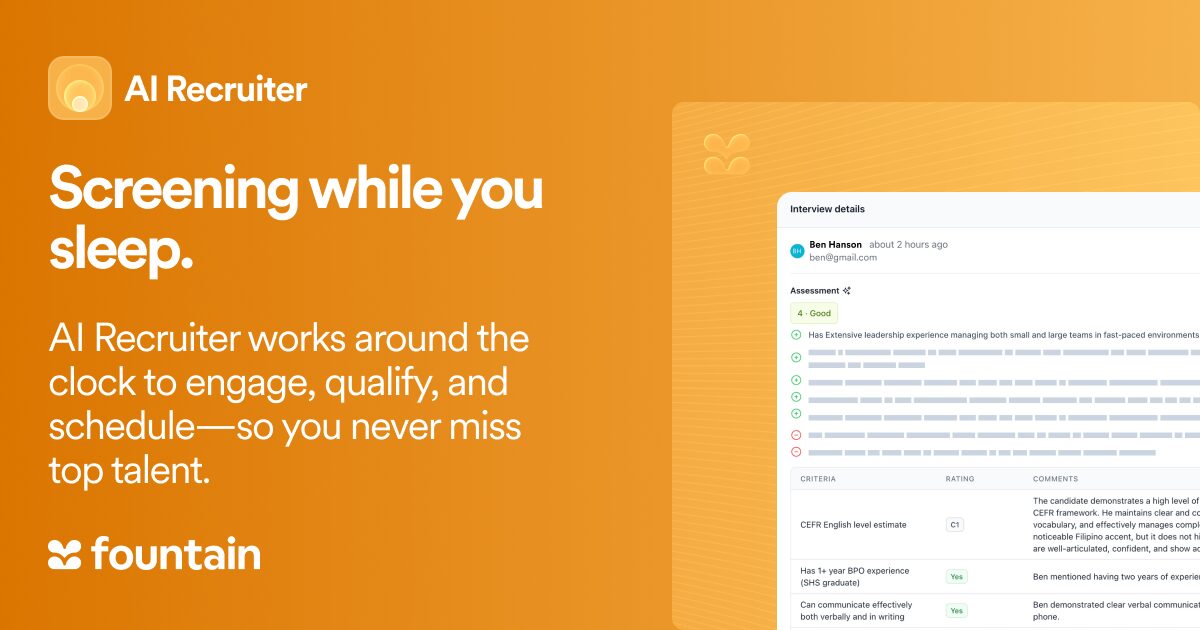
Under Cue, three specialized agents run the work: Emma answers candidate questions across SMS, voice, and web at any hour, Anna screens candidates and conducts voice interviews around the clock, and Sam surfaces post-hire retention signals before they become exits.
Each agent works inside the permissions and approval thresholds your team sets.
The agents operate on the same product layer at every location: the ATS, Onboarding, and Shift & Scheduling keep every site on identical workflows and shared data. Bojangles, a quick-service restaurant (QSR) chain with 750 locations across the Southeastern U.S., cut time-to-hire by 80%, from 30 days to 5.8 days.
The 3x turnover variance this article opened with is a process problem with a price tag: overtime, compliance exposure, and manager workload all rise with it. A single operating layer that enforces consistent standards while adapting to local conditions pulls it back down.
See it on a live workflow: book a demo and ask Cue to staff a week across 40 locations, watch an I-9 clear before Day 1, and pull up the location-level dashboard this article describes.
Frequently asked questions about AI workforce management
How does AI workforce management differ from traditional WFM software?
Traditional workforce management (WFM) software records historical data: timesheets, attendance logs, completed forms. AI workforce management predicts staffing needs and acts on them before gaps open. The difference is reactive reporting versus proactive execution across hiring, scheduling, compliance, and retention.
Does AI workforce management replace frontline managers?
No. AI handles the repetitive, cross-location work: screening, shift backfill, and compliance document collection. Managers retain approval authority over hiring decisions, schedule changes, and performance actions. The goal is the shift Fountain’s Redefining Frontline Operations research documents: managers spending most of their week on people instead of administration.
What data does AI workforce management need to work?
Clean employee records, shift history, applicant data, and compliance documentation form the minimum, consolidated across locations rather than siloed by site. Garbage in still applies: predictions built on incomplete records aren’t reliable enough to act on.