
43% of frontline new hires leave within 90 days, and replacing one runs about $7,000 once recruiting, onboarding, and lost productivity are added up, according to the 2025 Fountain Frontline Report. Most of that spend walks out the door before the new hire has contributed anything.
Searching for a sample onboarding plan usually turns up templates built for a single salaried hire with a desk, a laptop, and a patient hiring manager. High-volume, frontline employers need something different: one plan that supports 40 people starting the same Monday across a dozen sites, most of them completing everything on a phone.
What is an onboarding plan?
An onboarding plan is the documented roadmap that takes a new hire from offer acceptance to full productivity. It assigns a goal, an owner, a deadline, and a delivery channel to every stage of the first 90 days.
The plan is not the same as a checklist or an orientation. SHRM draws the onboarding distinction directly: orientation covers paperwork and other routine tasks, while onboarding involves management and other employees and can continue for up to 12 months.
So a checklist is the task layer (collect the W-4, issue the badge), orientation is one event inside the broader onboarding process, and the plan is the design layer: what happens at each stage, who owns it, and by when.
For frontline workers, that design work matters most between offer acceptance and the first paycheck, where the risk of losing a new hire runs highest.
What turns a task list into a plan
A checklist tells you what to do. A plan tells you who does it, by when, through what channel, and toward what goal. ATD’s research on effective programs specifies that they use a written plan outlining “specific components, actions, timelines, goals, responsibilities, and available support.” Four elements do that work:
- Set a goal for each stage: Each block of the first 90 days answers a different question. The first 30 days cover learning the role under supervision, days 31 to 60 add independence, and days 61 to 90 reach full solo ownership.
- Name an owner for each line: “HR handles onboarding” is how rows slip. When managers take an active role, new hires are 3.4 times as likely to say their onboarding was successful, per Gallup.
- Set a dated deadline: “Week 1” is a suggestion. “By end of Day 3” is something you can hold someone to, and some deadlines, the I-9 among them, carry federal penalties when missed.
- Use a mobile-first delivery channel: Frontline workers rarely finish a desktop portal. If a row can’t be completed on a phone, expect it to stall.
With those four columns in place, the plan itself is short enough to fit on one page.
A sample 30/60/90-day onboarding plan (fillable)
Copy the grid and replace the sample owners with your own role titles, then customize it two ways: by role, adjusting the training rows and the 30/60/90 ramp to the job (a warehouse picker’s first five shifts look nothing like a line cook’s); and by site, assigning each owner to a named person per location.
| Stage | Task | Goal | Owner | Deadline | Channel |
| Pre-boarding | Welcome message with first-shift time, location, dress code, and a named point of contact | Confirm the start and close the offer-to-Day-1 gap | Recruiter | Within 24 hours of offer acceptance | SMS |
| Pre-boarding | Paperwork packet: I-9 Section 1, W-4, e-signature documents, handbook | All admin done before the first shift | HR and new hire | Before Day 1 (I-9 Section 1 no later than Day 1) | Mobile portal |
| Pre-boarding | Assign a buddy | Peer contact for culture and context, separate from the manager | Manager | Before Day 1 | Internal |
| Day 1 | Greeting, team introductions, and a site tour, before any paperwork | Human connection first | Manager | Day 1 | In person |
| Day 1 | I-9 Section 2 document review | Document examination complete and recorded | Manager or authorized representative | Within 3 business days of the first day of work for pay | In person, or via the authorized remote procedure for eligible E-Verify employers in good standing |
| Day 1 | Put the 30-, 60-, and 90-day check-ins on the calendar | Milestones scheduled before they can slip | Manager | End of Day 1 | Calendar |
| Week 1 | Set written 30/60/90 goals with the new hire | A target for each checkpoint | Manager and new hire | Days 1 to 5 | In person |
| Week 1 | Daily 15-minute check-ins | Blockers surfaced early | Manager | Days 2 to 5 | In person |
| Week 1 | Role training across the first five shifts | Core tasks mastered without information overload | Trainer or buddy | First five shifts | On the floor |
| Day 30 | Structured 1:1 on what is going well, what is surprising, and what is unclear | Concerns surfaced before they become exit decisions | Manager | Day 30 | In person |
| Day 30 | Independent engagement check | A read on comfort and fit outside the manager relationship | HR | Day 30 | Mobile survey |
| Day 60 | Progress review against the Week 1 goals | Growing independence and closed training gaps | Manager | Day 60 | In person |
| Day 90 | Review with the manager plus a senior leader (general manager or district manager) | Retention risk assessed and responsibilities expanded | Manager and senior leader | Day 90 | In person |
| Day 90 | Retention pulse survey | Baseline for 90-day retention reporting | HR | Day 90 | Mobile survey |
The I-9 Section 2 row carries a federal deadline, and the Day 1 calendar row keeps managers from missing the later check-ins. U.S. Citizenship and Immigration Services (USCIS) sets the Section 2 deadline at three business days after the first day of work for pay, so an employee who starts Monday must have Section 2 done by Thursday.
For multi-location hiring the grid stays identical, and only a handful of rows resolve differently at each site.
Smarter, faster, and more compliant from day one
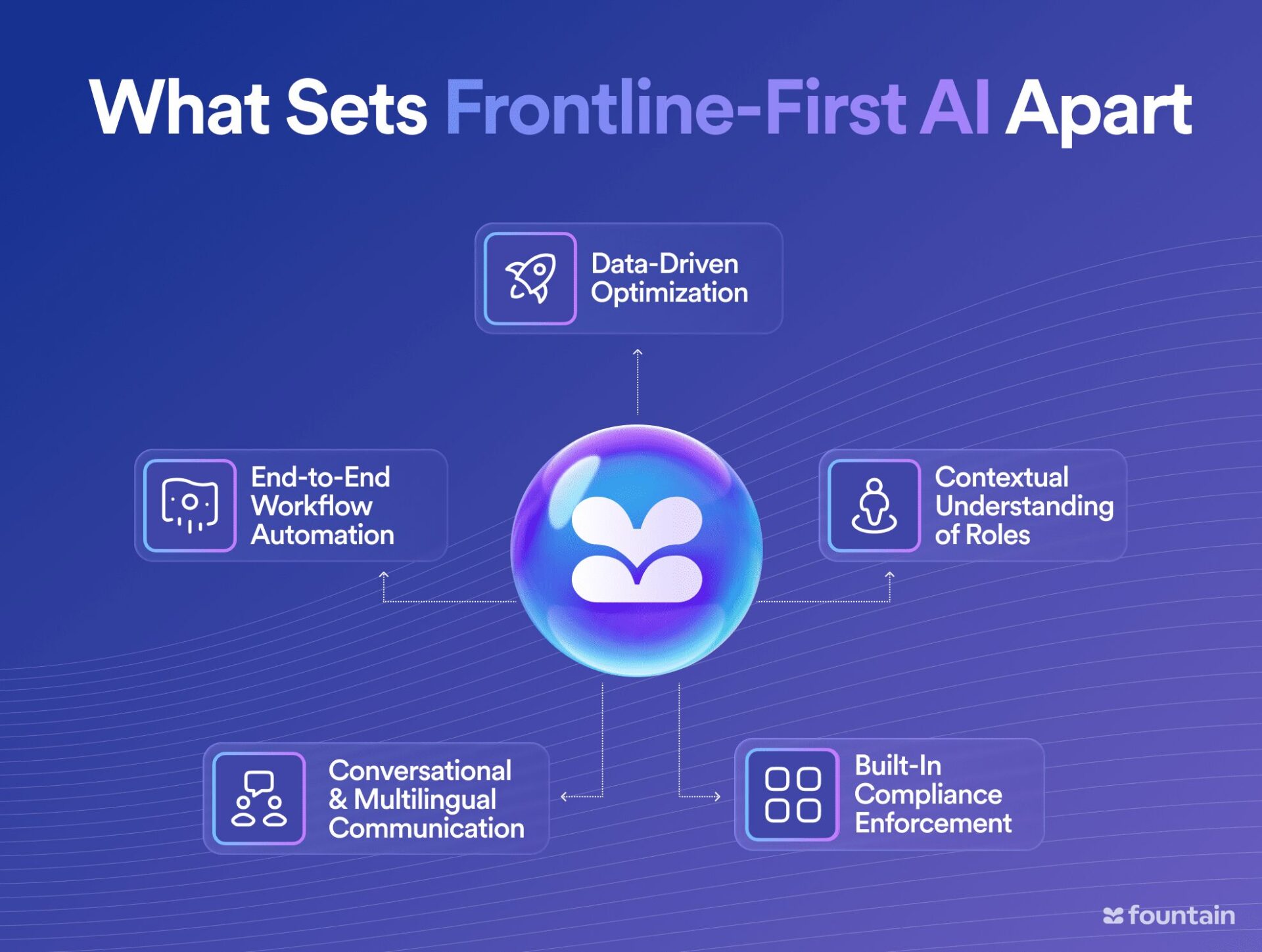
See how frontline-first AI helps you reduce time-to-hire, engage more candidates, and stay compliant at scale.
From instant chat-based screening to automated scheduling and built-in compliance, Fountain’s AI gives your team the tools to hire faster and smarter while maintaining accuracy and a great candidate experience.
Schedule a personalized demo and explore what’s possible.
| Template owner | Resolved at each location |
| Recruiter | Central talent acquisition team, shared across sites |
| Manager | The site manager or shift supervisor on duty for the cohort’s start |
| Authorized representative (I-9 Section 2) | A named, trained site lead per location |
| Senior leader (Day 90) | District or regional manager covering that site |
| Cohort Day 1 | One shared date per site, set by the central team so hires begin as a group |
| I-9 timeliness dashboard | HR, one view per site, reviewed weekly during heavy hiring |
Everything else stays identical from site to site, which is what makes one plan auditable across all of them.
Adapting the plan for high-volume, multi-location hiring
To prevent no-shows and unsigned I-9s at volume, run one standardized, cohort-based plan and assign execution to named owners at each location.
Simultaneous starts become an asset when they are treated as cohorts. HR Dive reports the strongest results when companies front-end the cohort and attach new hires to a group from day one or earlier. This matters for frontline workers because retention is largely decided in the first weeks on the job.
Ownership goes local while the plan stays standardized: state-specific items are tagged and layered per site, and shared dashboards let HR, hiring managers, and payroll see completion in real time.
Compliance items belong in the grid as dated rows, not in a separate tracker. In March 2026, U.S. Immigration and Customs Enforcement (ICE) reclassified a set of common I-9 errors, including late completion of Sections 1 and 2, as substantive violations that carry no correction window and may be fined at inspection.
Paperwork violations currently run $288 to $2,861 per form, the inflation-adjusted range DHS set effective January 2025 and still in force in 2026, so a systemic timing error across a 100-hire cohort ($288 x 100 to $2,861 x 100) is $28,800 to $286,100 in exposure.
First-shift no-shows compound the risk, and both problems have the same fix: phone-ready paperwork and a first-shift confirmation going out the moment the offer is signed, so every pre-boarding row clears on a phone before Day 1.
Automating the plan (while humans keep approvals)
Most rows can run automatically, with one person accountable for each. When an offer is accepted, documents route for e-signature, notifications go to payroll and the site manager, and scheduled reminders chase stalled W-4s and flag sites when an I-9 nears the three-business-day deadline.
Exceptions and approvals still route to a person. SHRM’s guidance on AI in the workplace keeps humans in the loop for critical approvals like hiring decisions, and USCIS requires a human, physically present or on live video under the E-Verify alternative procedure, to examine I-9 documents. The workflow sends the reminders; a manager owns the exceptions.
The payoff shows up on Day 1: paperwork completed on a phone before the shift starts, instead of a manager chasing signatures during a short-staffed first week.
Knowing your plan is working
Generic onboarding metrics like time-to-productivity and new-hire satisfaction measure the program, and the AI-onboarding playbook covers that set. These four measure the plan itself.
- Milestone completion against the plan: Track the share of hires who hit each dated row on time, starting with pre-boarding paperwork and the Day 1 check-in calendar.
- Where rows slip, and who owns them: A slipped row has a named owner by design, so a site that runs chronically late on Day 30 check-ins is a coaching conversation, not a mystery.
- Location-level variance: One plan across many sites makes outliers visible. A site running 20 points behind on I-9 timeliness is a compliance risk you can see before an auditor does.
- Day 1 show rate and 90-day retention: Everything upstream exists to move these two numbers, so treat them as the outcomes the plan is judged on.
Teams in a heavy hiring cycle review these weekly; monthly is enough otherwise. Retention outcomes trail plan-completion data, so expect them to move only after a cohort finishes the plan.
How Fountain runs the plan at scale
At 40 starts across a dozen sites, the plan on paper is the easy part; the hard part is seeing the overdue rows at each location. Cue, Fountain’s Frontline Superintelligence, builds and runs the plan from a plain-language prompt like “onboard 40 associates across 12 sites starting Monday,” with managers approving what goes live.
Underneath it, Emma runs the I-9 and W-4 paperwork rows, Sam runs the 30/60/90 retention pulse, and Anna screens upstream so cohorts fill on time. Each agent recommends and routes; a person approves offers and exceptions.
Fountain Onboarding keeps completion status for every site in one dashboard, and Fountain’s Stitch Fix case study reports 40% more applicants clearing background checks and showing up on Day 1. A weak first 90 days is where the $7,000-per-hire replacement cost compounds across a cohort.
See it on a live workflow: Book a demo to have Cue build a multi-site plan and watch Emma clear a hire’s paperwork before Day 1.
Frequently asked questions about onboarding plans
What is a sample onboarding plan?
A sample onboarding plan is a fillable template that maps a new hire’s first 90 days, with a goal, a named owner, a dated deadline, and a delivery channel for each stage from offer acceptance through the 90-day check-in. It is a starting structure you adapt to your roles and locations, not a finished document.
How is an onboarding plan different from a checklist?
A checklist lists tasks. A plan adds accountability, assigning who completes each task, by when, through what channel, and toward what stage goal. Orientation is different again: a Day 1 event that sits inside the broader plan.
How do you onboard hundreds of hires across locations at once?
Use one standardized plan: owners resolved to named roles at each site, compliance deadlines as dated rows, cohort Day 1 schedules so hires begin as a group, and all pre-boarding completed on mobile before Day 1. Shared dashboards then surface where rows are slipping.